

What Changes in Billing When an Independent Practice Adds a Second Location
A second location changes provider enrollment, charge capture, coding consistency and reporting. Here is what to put in place before the new site opens.

A second location changes more than your address list. The moment a practice sees patients at two sites, the revenue cycle has to answer questions it never had to ask before: which location is this claim billed under, which provider rendered the service, which fee schedule applies, and how do you tell whether the new site is actually paying for itself? Most billing problems after an expansion are not coding errors; they are structural gaps that were invisible when everything happened under one roof. This guide walks through the three areas that shift first for a growing independent practice, and what to put in place before the second site opens.
1. Billing for a multi-location practice: provider enrollment and credentialing per location
The first place a second location shows up is in enrollment. Payer requirements for a new location vary, and some may require each practice location to be enrolled, added to an existing agreement, or at least registered before claims from that site will process. Some payers treat a new location as a simple address update; others want a fresh enrollment or a location-specific participation record. This is a generalization only: the specifics vary by payer, by contract, and by whether the site is a new address, a satellite of an existing group, or a separate legal entity. Your payer contracts govern what actually applies.
Because those rules are payer-specific, treat this as a verification task rather than an assumption. Before the new site sees its first patient, confirm with each contracted payer what they require for the new location, how long processing takes, and whether claims submitted before enrollment is complete will deny or hold. Do the same for any Medicaid or state program participation, and check whether the new location triggers anything under your existing contracts. This is not legal or coding advice; it is a checklist to run against current official payer guidance and your own agreements.
What to build before opening day
- A location-by-location enrollment tracker: payer, provider, location, status, effective date, and the reference number for each submission.
- A named owner for follow-up. Enrollment stalls quietly when no one is watching the queue.
- A rule that no claim goes out from the new site until its enrollment status is confirmed for that payer.
- A short internal note on which providers are credentialed at which locations, so scheduling and charge entry do not create claims that cannot be paid.
If enrollment and contracting work is already a bottleneck at one site, it will not get easier at two. Knight's credentialing and contracting services for new locations exist to keep that tracking current, but the underlying discipline — verify, document, follow up — is the same whether you handle it in-house or not.
2. Charge capture and coding consistency across sites
Two locations tend to grow two cultures. One site's front desk collects a different set of fields. One provider documents in a slightly different template. A new hire at the second location learns the workflow from whoever trained them, not from the original playbook. None of this looks like a billing problem until denials start clustering around one site and nobody can explain why.
The fix is consistency in three places: what gets captured at the point of service, how it gets coded, and how it gets reviewed before submission.
Charge capture
Standardize the fields every encounter must produce regardless of location: patient identifiers, insurance, rendering and supervising provider, place of service, and the site where the service occurred. Place of service matters because payers may use it to apply location-specific rules and rates, and an incorrect site on a claim can affect payment or lead to a denial. Confirm the correct place-of-service values for each location against current official guidance rather than carrying over whatever the first site used.
Coding consistency
If the same service is coded differently at the two sites, your data becomes incomparable and your denial patterns become noise. Build a shared coding reference for your most common services, review a sample of charts from the new site in its first months, and route coding questions to one person rather than letting each site improvise. A periodic chart audit of the new site is a practical way to catch drift early, before it hardens into habit.
Pre-submission checks
Apply the same clean-claim checks at both sites: eligibility verified, authorization on file where required, demographics matched to the payer record, and the claim scrubbed against the same rules. Consistency here is what keeps the second location from developing its own denial profile.
3. Reporting by location
This is the change practices most often skip, and it is the one that determines whether the expansion was a good decision. If your reports blend both sites into one total, a strong original location can mask a struggling new one for months. You will see a healthy practice and miss the site that is quietly losing money on denials, slow eligibility checks, or under-collection at the front desk.
Set up reporting so every meaningful metric can be filtered by location: charges, payments, adjustments, days in A/R, denial rate by reason, and collection rate. Then add the dimensions that explain the differences: by payer, by provider, by service line. A new site's denial mix will often look different from the original's simply because its payer mix or patient population differs, and you cannot manage that difference if you cannot see it.
A simple monthly review
- Compare each location against its own prior months, not just against the other site.
- Look at denial reasons by location and ask what process at that site produced them.
- Track days in A/R separately so a slow-follow-up problem at one site does not hide inside a blended average.
- Review front-desk collection and eligibility verification by site, since these are where location-specific habits form fastest.
Knight's location-level revenue performance reporting is built around this kind of view, and our billing support for growing practices focuses on transition points, like a second site, where reporting structure has to change to keep up.
What to do next
You do not have to rebuild your revenue cycle to add a location. You do need to decide, before opening day, who owns enrollment tracking, how charge capture and coding stay consistent, and how you will see each site's performance on its own. Start with the enrollment tracker and the location-level report; those two artifacts surface most of the problems early.
If you would like a second set of eyes on the plan, we are happy to talk through it. There is no obligation and no pressure to move anything today. You can schedule a conversation about your second location or contact us with the questions you are working through.
Sources and verification
No external sources were supplied for this article, and no statistics, payer policies, or regulatory rules have been cited. The enrollment, place-of-service, and coding points above are general process guidance only. Payer requirements for new locations, correct place-of-service values, and any state program rules must be verified against current official payer and regulatory guidance and your own participation agreements before you rely on them. This article is not legal, coding, or clinical advice.
Where this work connects
Related articles.
 Revenue Cycle Management
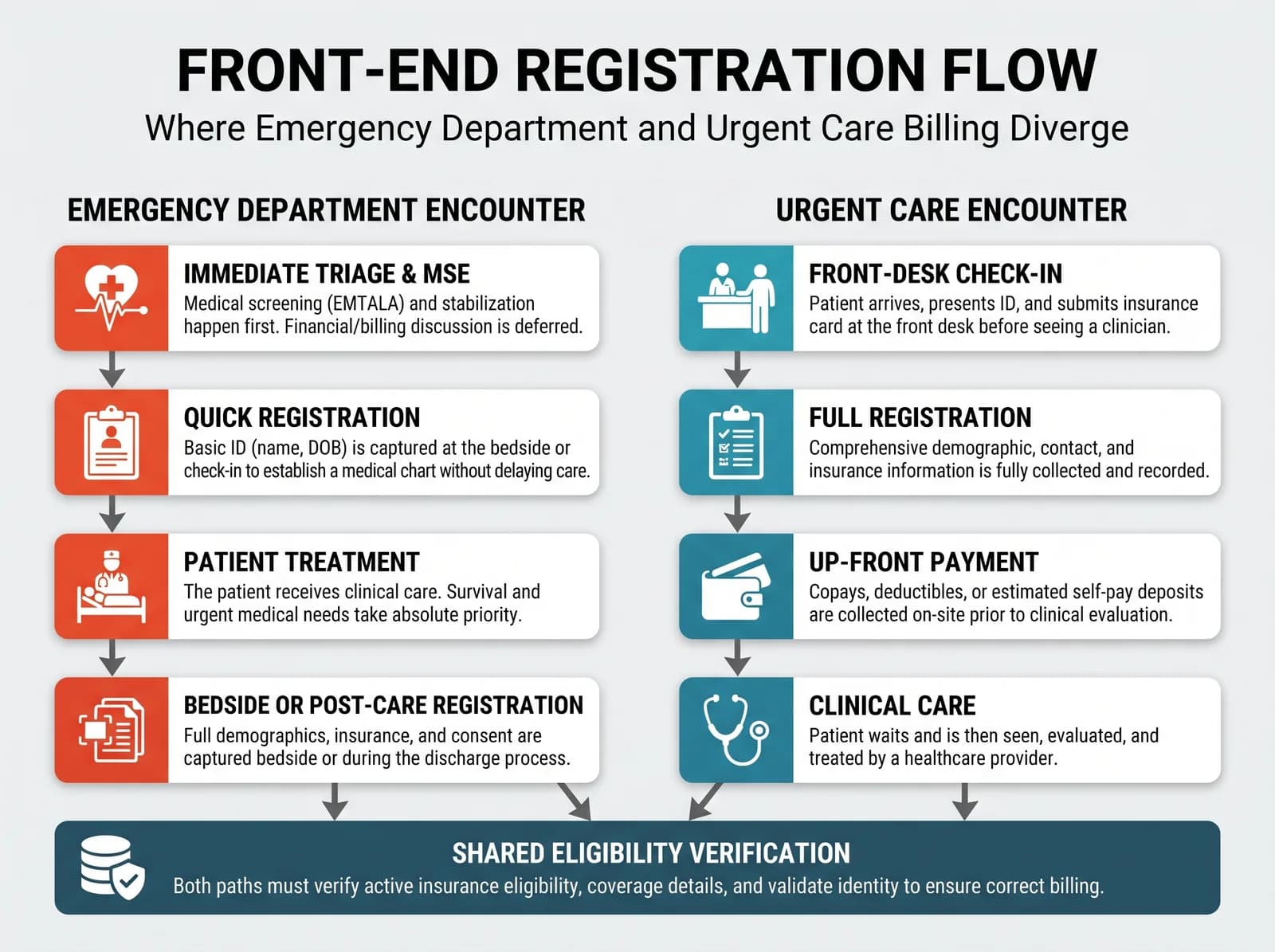
Emergency Department and Urgent Care Billing: What Differs When One Organization Runs Both
A practical guide for revenue cycle leads running an emergency department and urgent care sites together: where the workflows diverge, what risks they share, and the questions to answer before consolidating billing.
Read article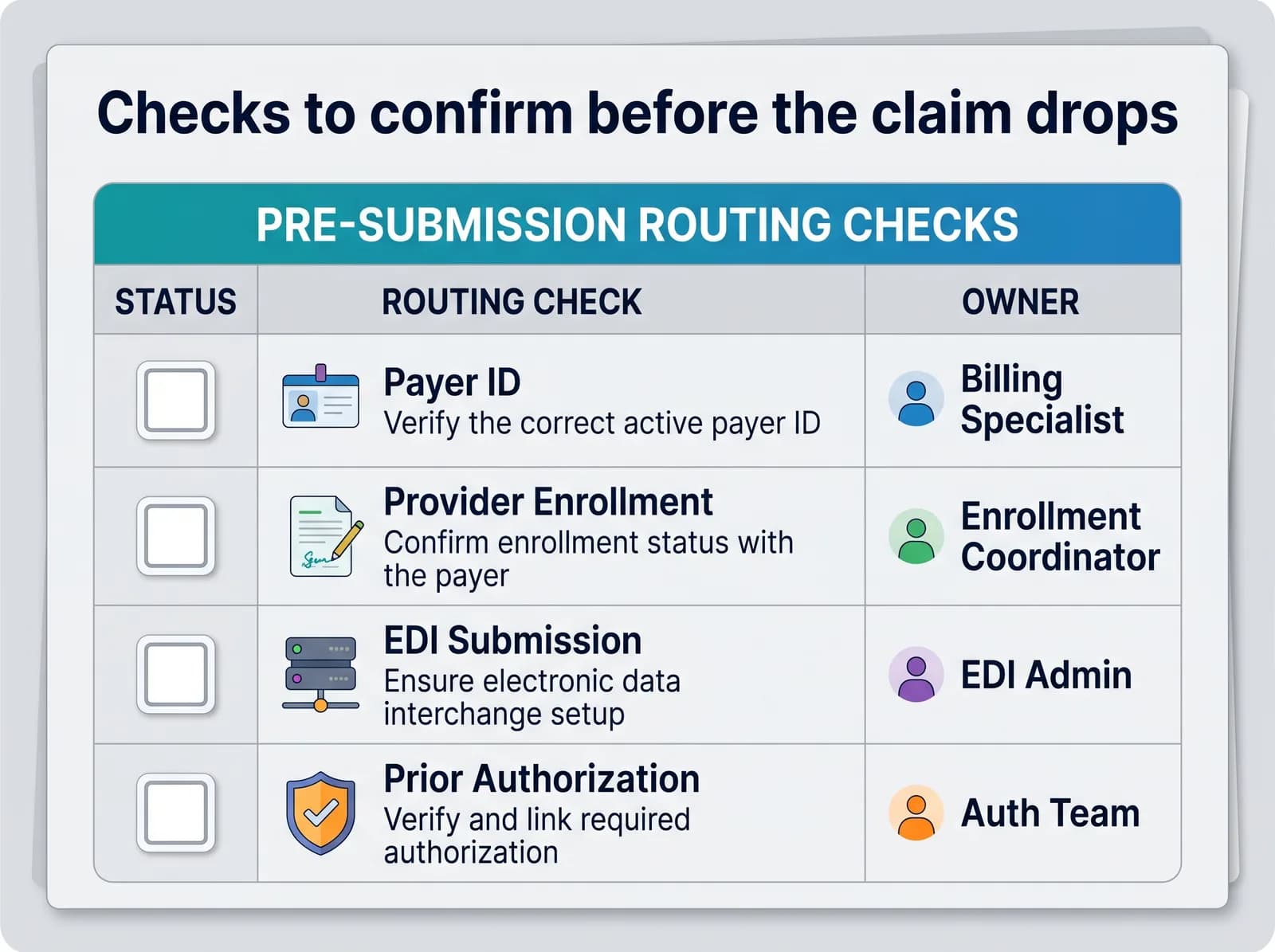 Revenue Cycle Management
Payer-Specific Claim Routing: What Independent Practices Should Verify
A practical pre-submission routine for independent practices: verify payer IDs, enrollment, EDI setup and payer-specific claim requirements before a claim leaves your system.
Read article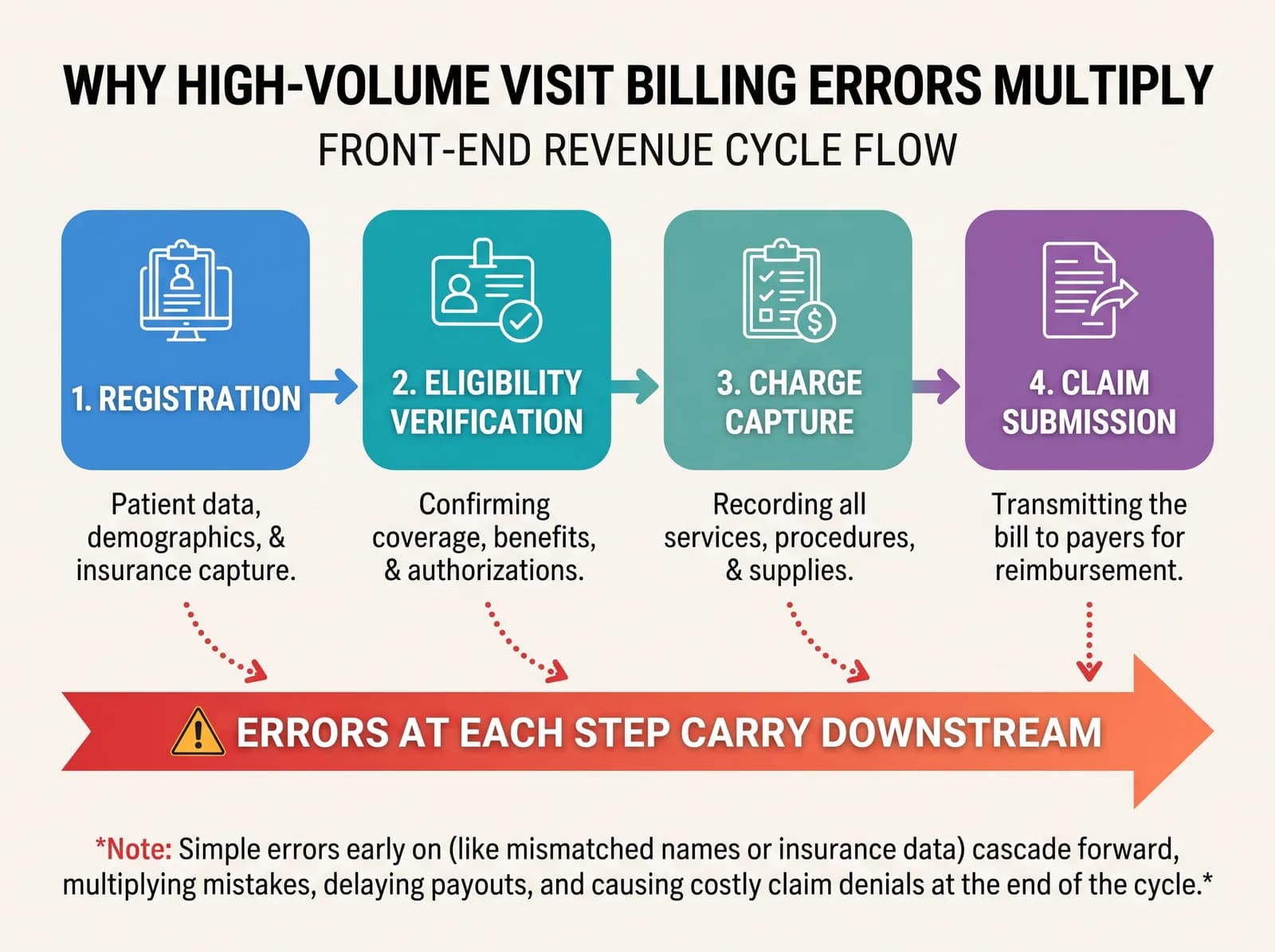 Revenue Cycle Management
High-Volume Visit Billing Errors: Where Small Front-End Mistakes Multiply
In busy urgent care and clinic settings, small front-end mistakes compound quickly. Learn where high-volume visit billing errors multiply and how to run a simple review routine.
Read article